Your Markdown vault, at terminal speed.
JotMD is a terminal-first app for working with plain Markdown notes. Use its keyboard-driven TUI and CLI to create, edit, browse, search and preview your vault. Your files stay yours.
brew install gonfff/tap/jotmd
01 plain files
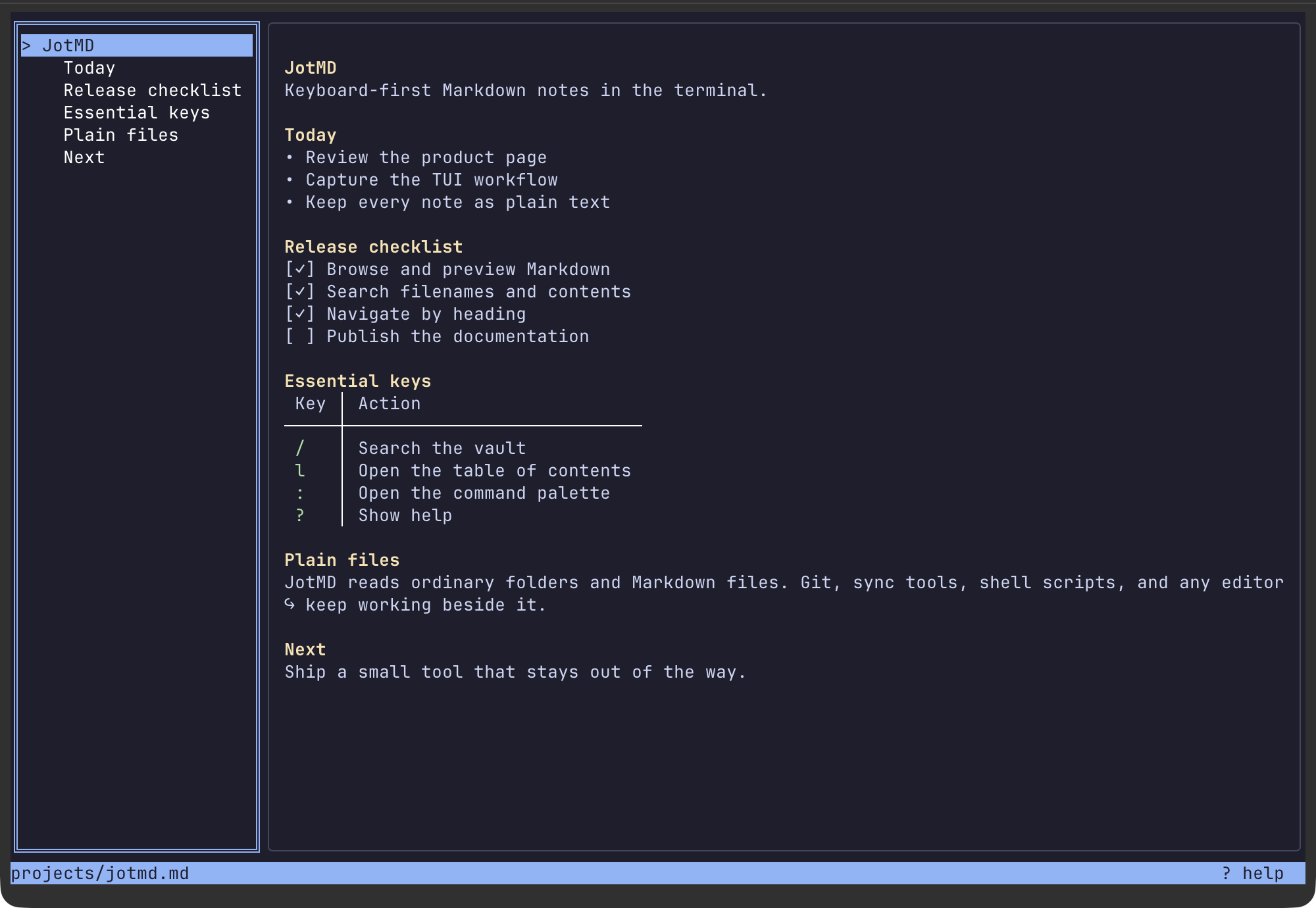
02 live preview
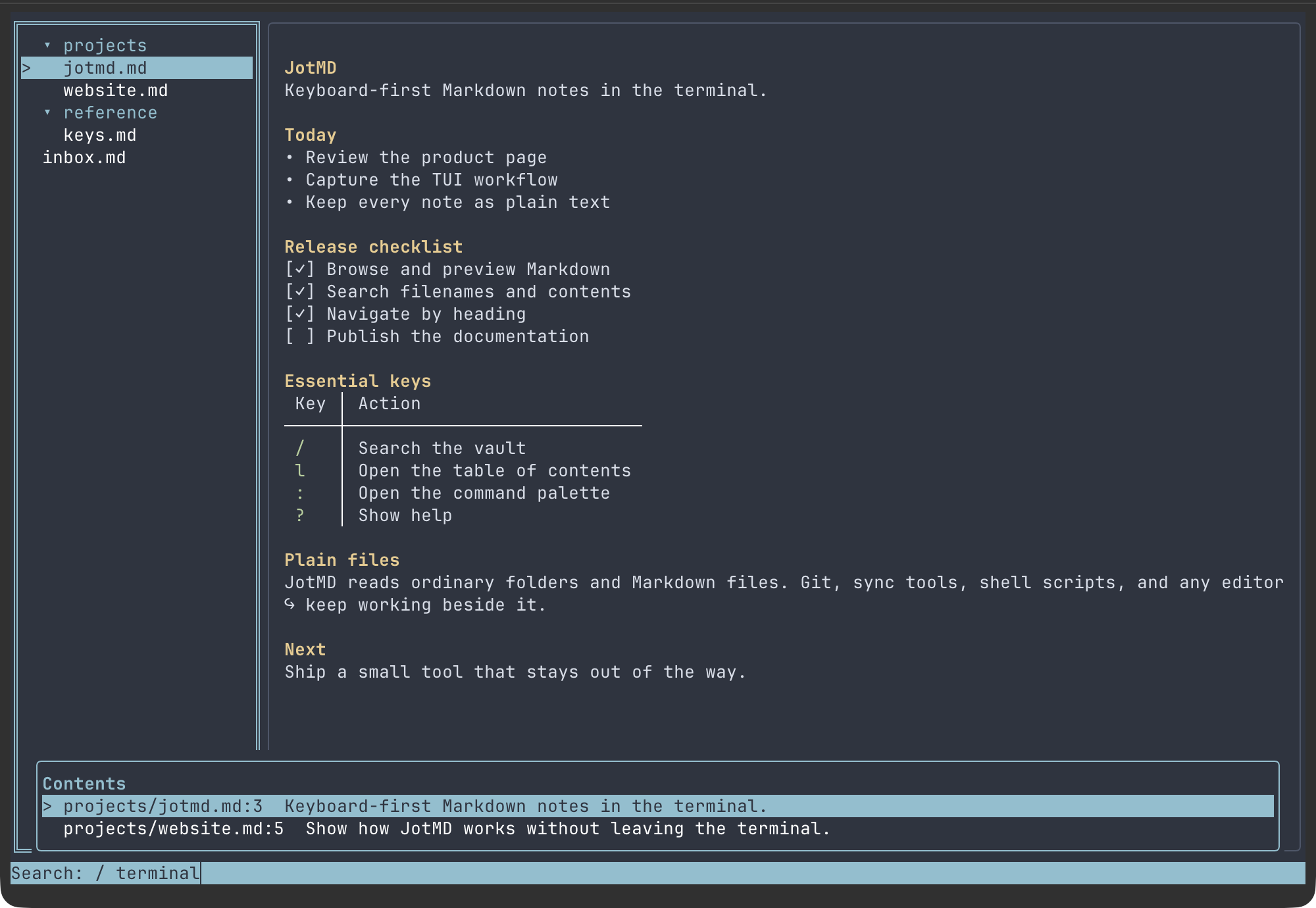
03 full-text search
04 create + edit
browse.md / the workspace
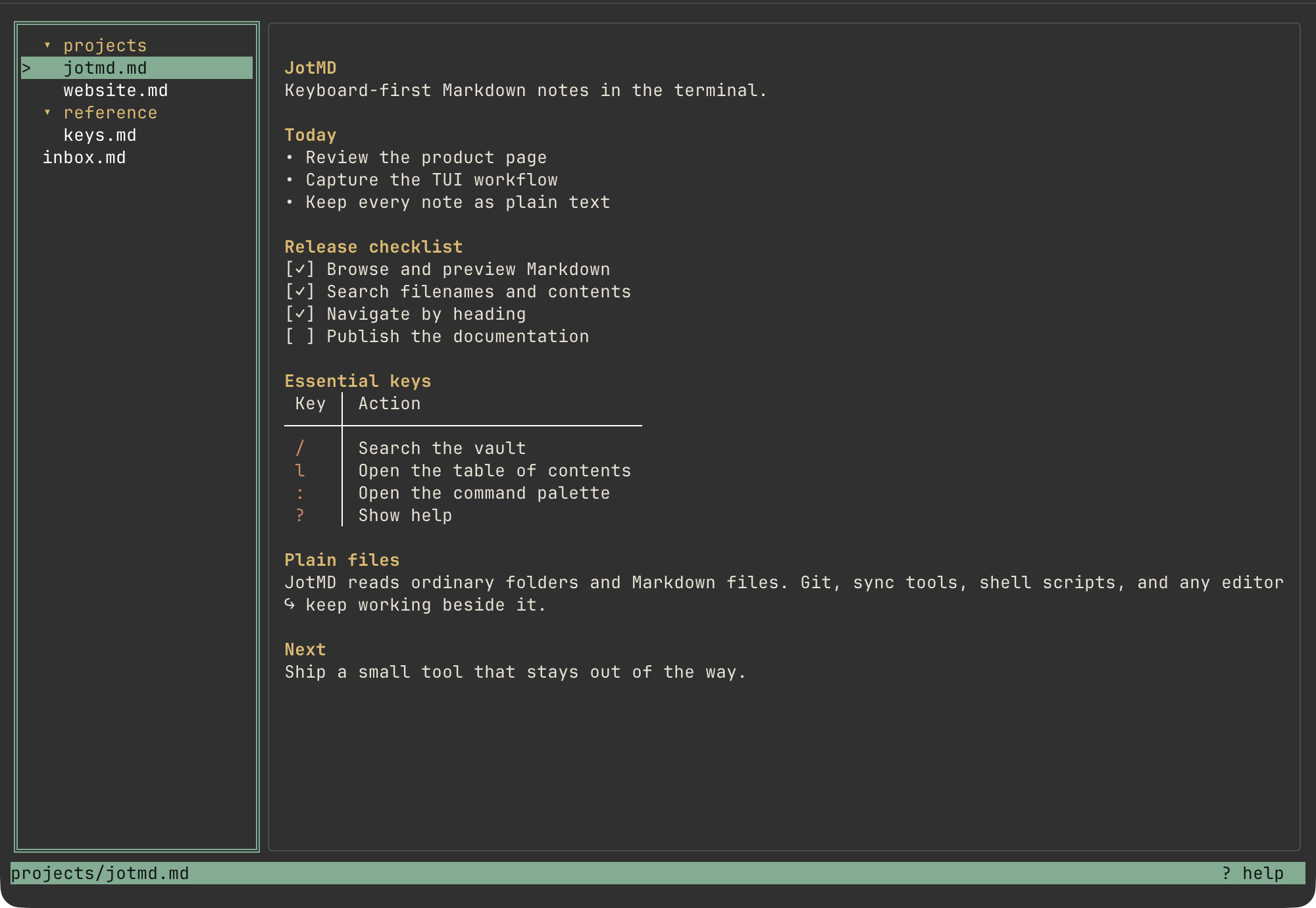
A map of the vault. A preview of the thought.
Move through folders on the left and read rendered Markdown on the right. No tabs to manage, no context switch to pay for.
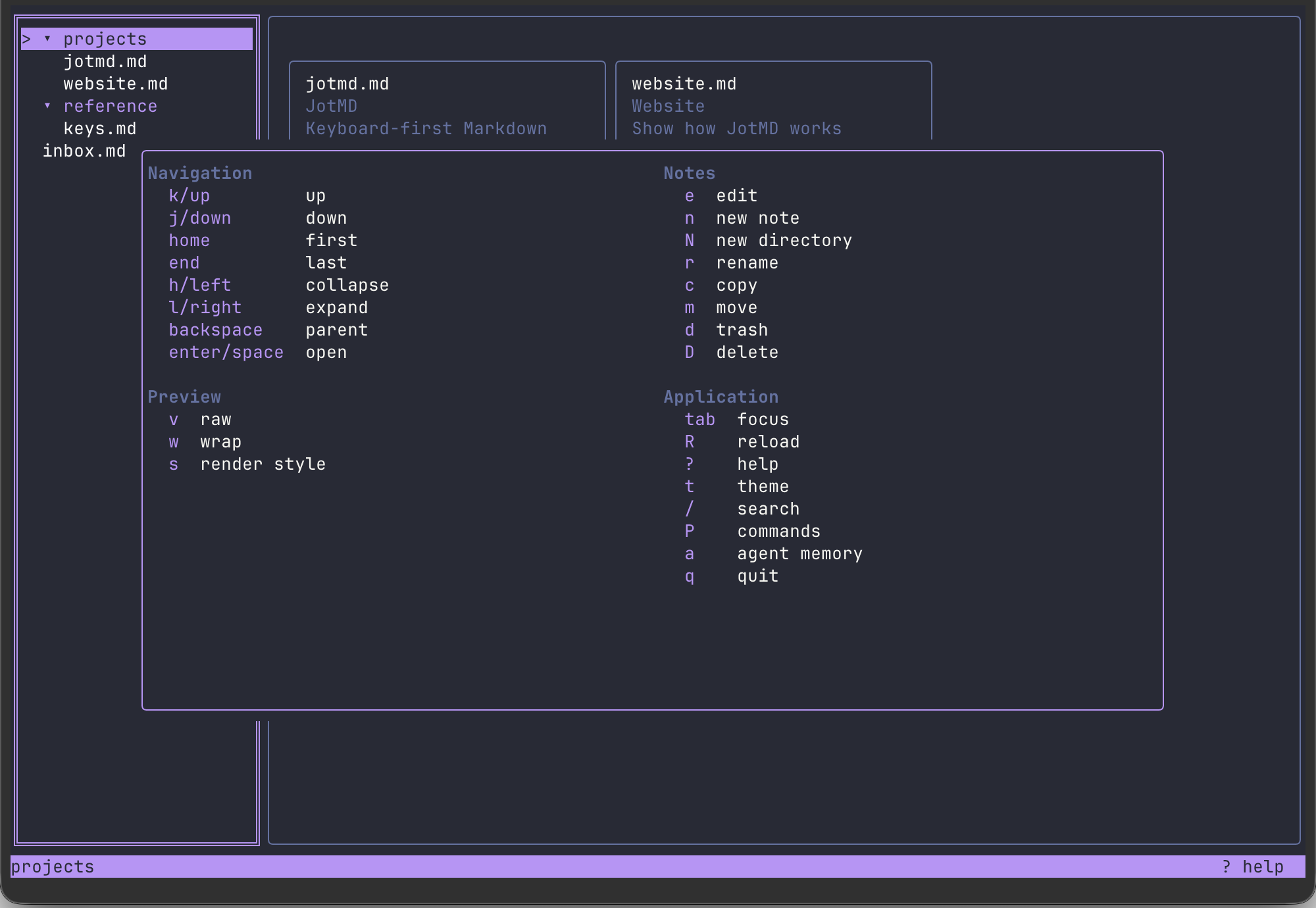
keymap.md / no mouse required
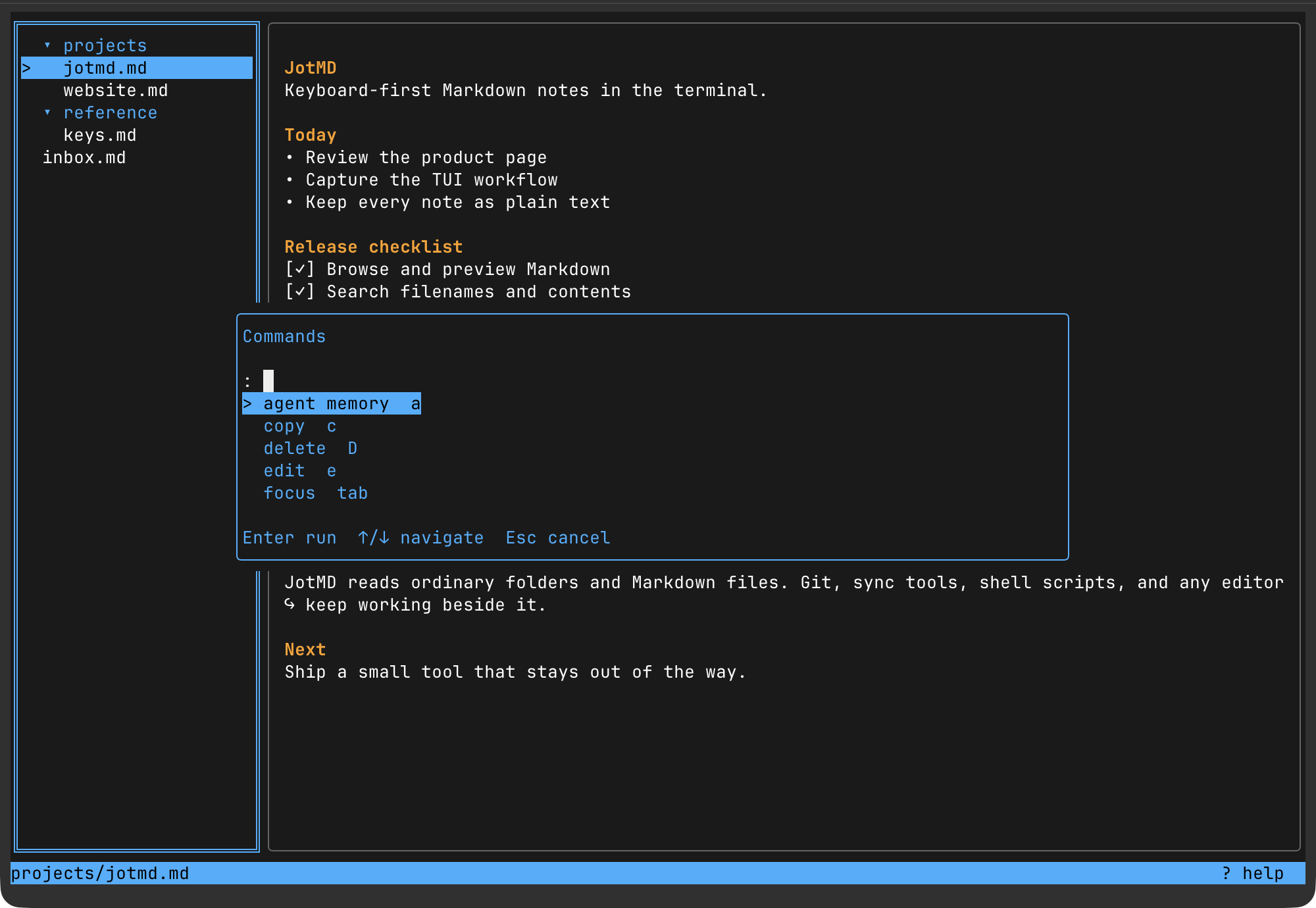
Every route has a short key.
The command surface stays visible and learnable. Use direct keys for daily moves and the palette for everything else.
- j / kmove through the tree
- /search filenames and contents
- eopen the note in your configured editor
- Shift+Pcreate, move, rename or trash
- tswitch between bundled themes
cli.md / scripts + agents
The same vault, scriptable.
Use the non-interactive CLI from shell scripts and coding agents. Search, read, create, update, and delete notes while Markdown remains the source of truth.
$ jotmd search "release notes"
$ jotmd get projects/roadmap.md
$ printf '# Roadmap\n' | jotmd write projects/roadmap.md
$ jotmd search "release notes" --jsonsearch, get, write, and delete cover the full note workflow. JSON output is machine-readable, while revision checks prevent scripts from overwriting a note changed elsewhere.
agent-memory.md / optional
Readable memory for coding agents.
The optional jot-memory skill lets Codex, Claude Code and OpenCode recall durable context and capture findings under agent-memory/. Memory is hidden in JotMD by default; press a to show it.
install.sh / macOS + Linux
Open your vault in one command.
brew install gonfff/tap/jotmd
Inspired by revdiff ↗.